Physical filename path on WebSupport.sk
Some CMS systems require a defined exact physical filename path. On WebSupport.sk this path looks like „/nfsmnt/hosting1_2/u/i/uuid/domain.com/" – here is how to find it.

Some CMS systems require to have a defined exact physical filename path.
Something like „/home/sites/YOUR-DOMAIN/public_html/admin/”, „/home/system username/public_html/oc1551/”,…
On WebSupport.sk this path looks like „/nfsmnt/hosting1_2/u/i/uuid/domain.com/“
- log in to admin.websupport.sk
- open your The Hosting and in the left menu and click on the „Main FTP account”
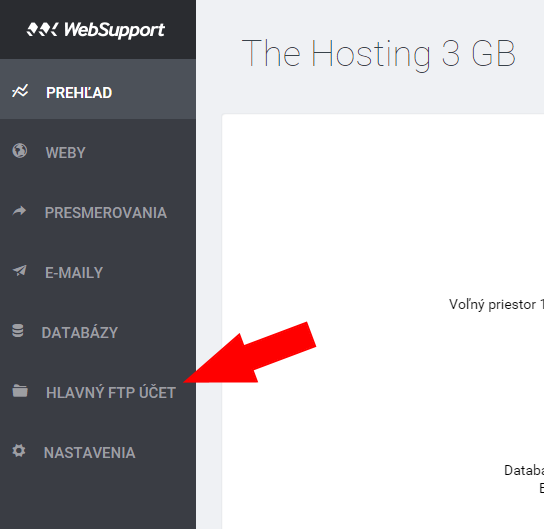
- in table first column you will find looooong code, for example 0afd38f7-1f8a-498b-a7cf-9234628e13ea/
- with this code you will create the path
/nfsmnt/hosting1_2/[first char]/[second char]/[whole code]/yourdomain.sk/
with example code above, physical path will looks like /nfsmnt/hosting1_2/0/a/0afd38f7-1f8a-498b-a7cf-9234628e13ea/xkatka.sk/ - if you need the path for subdomain, after the path add
sub/[name of subdomain]/
path for subdomain „demo1” will be: /nfsmnt/hosting1_2/0/a/0afd38f7-1f8a-498b-a7cf-9234628e13ea/xkatka.sk/sub/demo1/